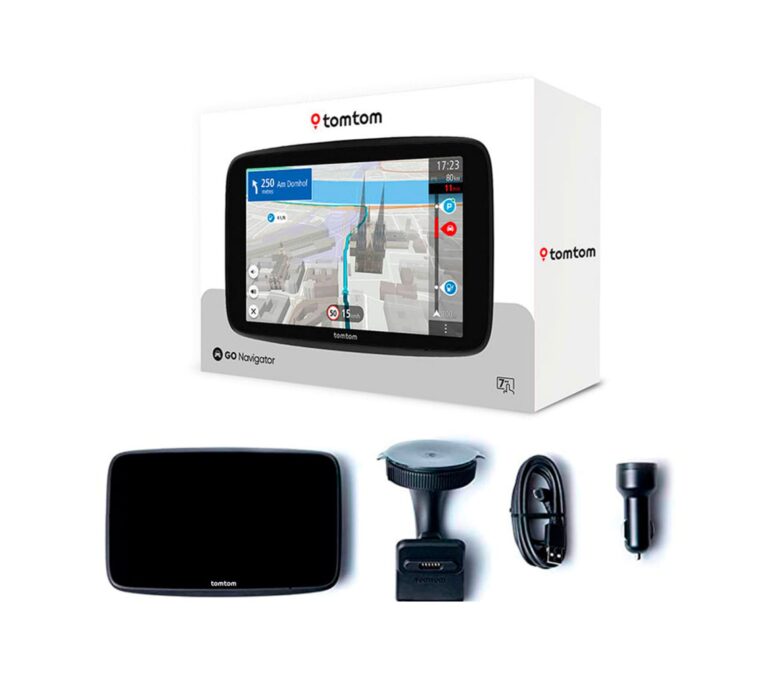
Portable automotive GPS units need to be connected with the computer using the USB cable provided by the manufacturers.
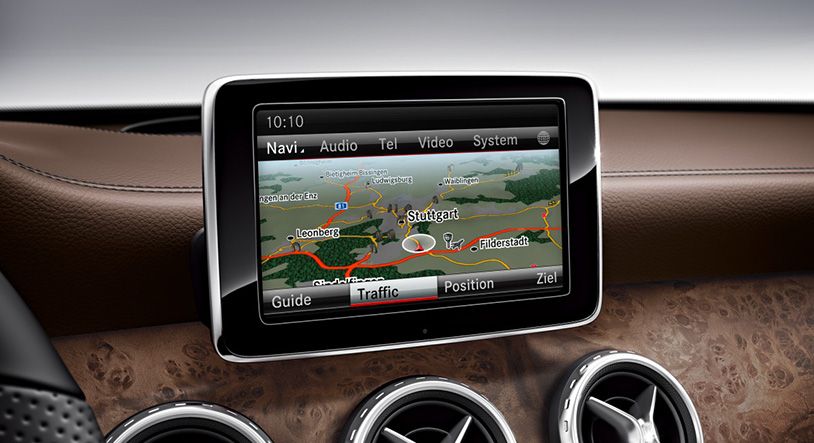
In-Dash Navigation update
Map data are mostly stored in SD cards in the In-Dash navigation systems, to update maps you will need to get a new SD card or update the existing one
Marine GPS Updates
To update your Marine GPS you will need to connect the SD card with the device details and order the right map for your device online.
Services
GPS MAPS UPDATE
GPS maps update ensures accurate navigation, improving route precision and road information for better travel and device performance. 24 X7 HELP also available by contacting us
Not Sure How to Update your GPS?
Make sure your GPS is fully charged & you are using a Data cable compatible with your device
GPS MAP UPDATES
Turn on your GPS then connect it to the computer with USB cord
Check your GPS showing that it’s connected to the computer if not you can try different cord or plug into a different USB port
Install compatible software onto PC
Check the green line moving across the screen.
Click on install available updates
Once it get done you device will be up to date.
INSTRUCTIONS TO UPDATE GPS
Here are the general instructions to update your GPS device:
Connect the GPS device to your computer:
Use a USB cable to connect your GPS device to your computer or laptop.
Install the required software:
For Garmin, download Express.
For other brands, check the manufacturer’s website for their dedicated software.
Launch the software:
Open the installed software on your computer.
Sign in to your account (if required):
Some GPS devices require an account to download map updates.
Check for available updates:
The software will detect your GPS device and show available updates (maps, firmware, etc.).
Select and download the updates:
Choose the map updates or any other available updates.
Allow the software to download and install the updates. Ensure you have a stable internet connection.
Wait for the update to complete:
Do not disconnect the GPS device until the update is finished to avoid errors.
Eject and disconnect the GPS:
Safely eject the device from the software and disconnect the USB cable.
Restart your GPS device:
Turn on your GPS device to verify the map update is successful.